A Portland Career
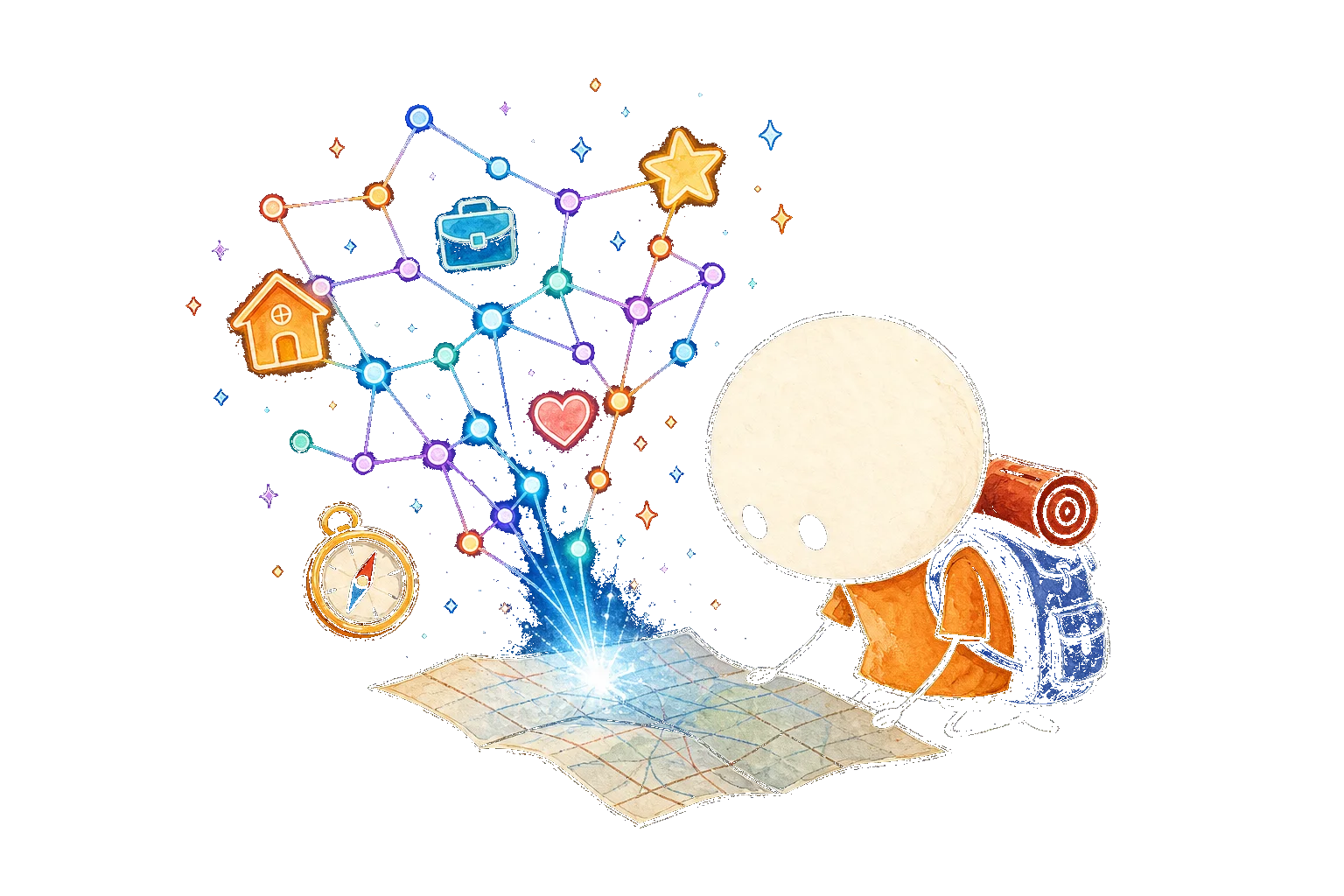
A little explorer with a backpack reading a glowing map, a network of connected life areas rising from it

Map your world.
Build in it with us, and live better.

You'll build an AI partner that remembers your work, your relationships, and your dreams, so you never start over or re-explain yourself, plus the tools your work needs. The software is free and yours to keep. What you're joining is the people.

Start with a 15-minute chat →
↓ See how it works
The short version

An AI partner that remembers your whole world, the tools your work needs, and people building right beside you.

The software's open source and free forever, and whatever you build stays yours to keep. What you pay for is the people, $50 a month while we're founding.

A free 15-minute chat → a free kit → a free first session

No payment and no obligation to start, and you keep whatever you make.

Book your 15 minutes →
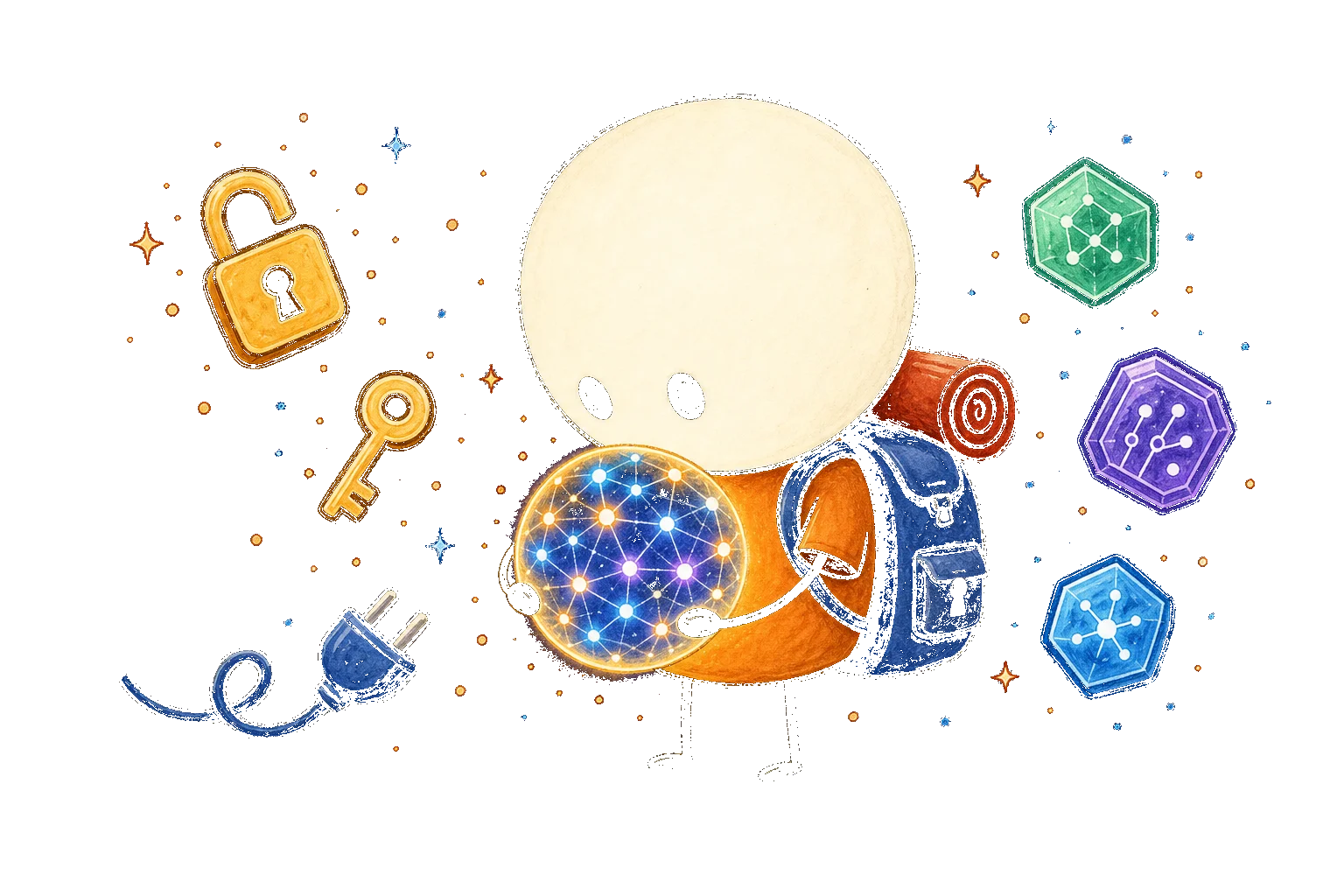
The little character cradling its own glowing networked world, with swappable AI engine gems floating nearby

What you get, and who's with you

A working second brain, the skills to build impressive solutions within it, and people building alongside you.

Character reading a glowing map with a constellation of life areas rising from it

Your second brain

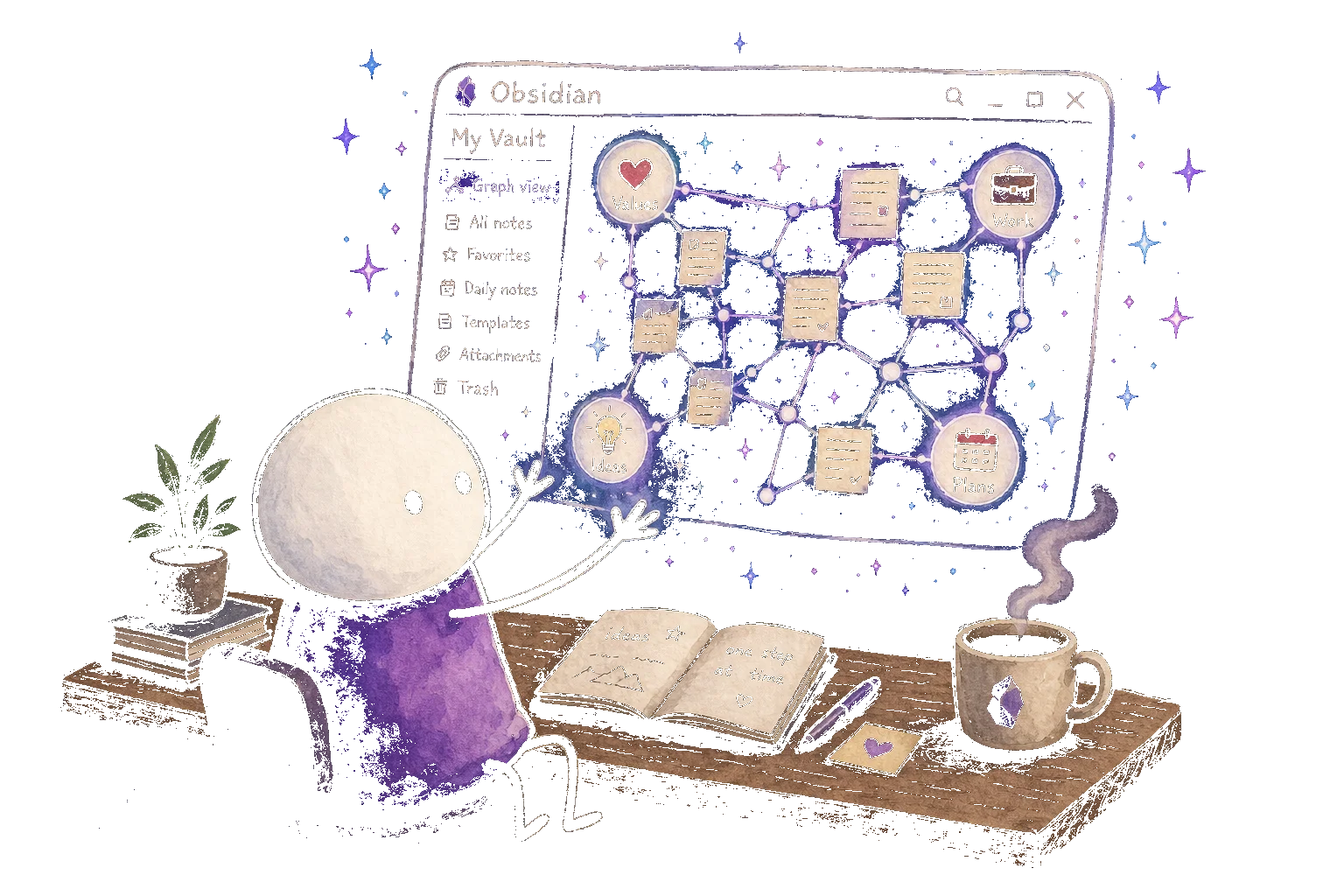
A living map of your work, relationships, projects, and dreams connected and growing, in a workstation on your own computer. It strategizes and builds alongside you, is free and yours to keep, and no company can change the rules on you.

Two characters, one sitting, one presenting a glowing clipboard as a helpful partner

Your AI partner

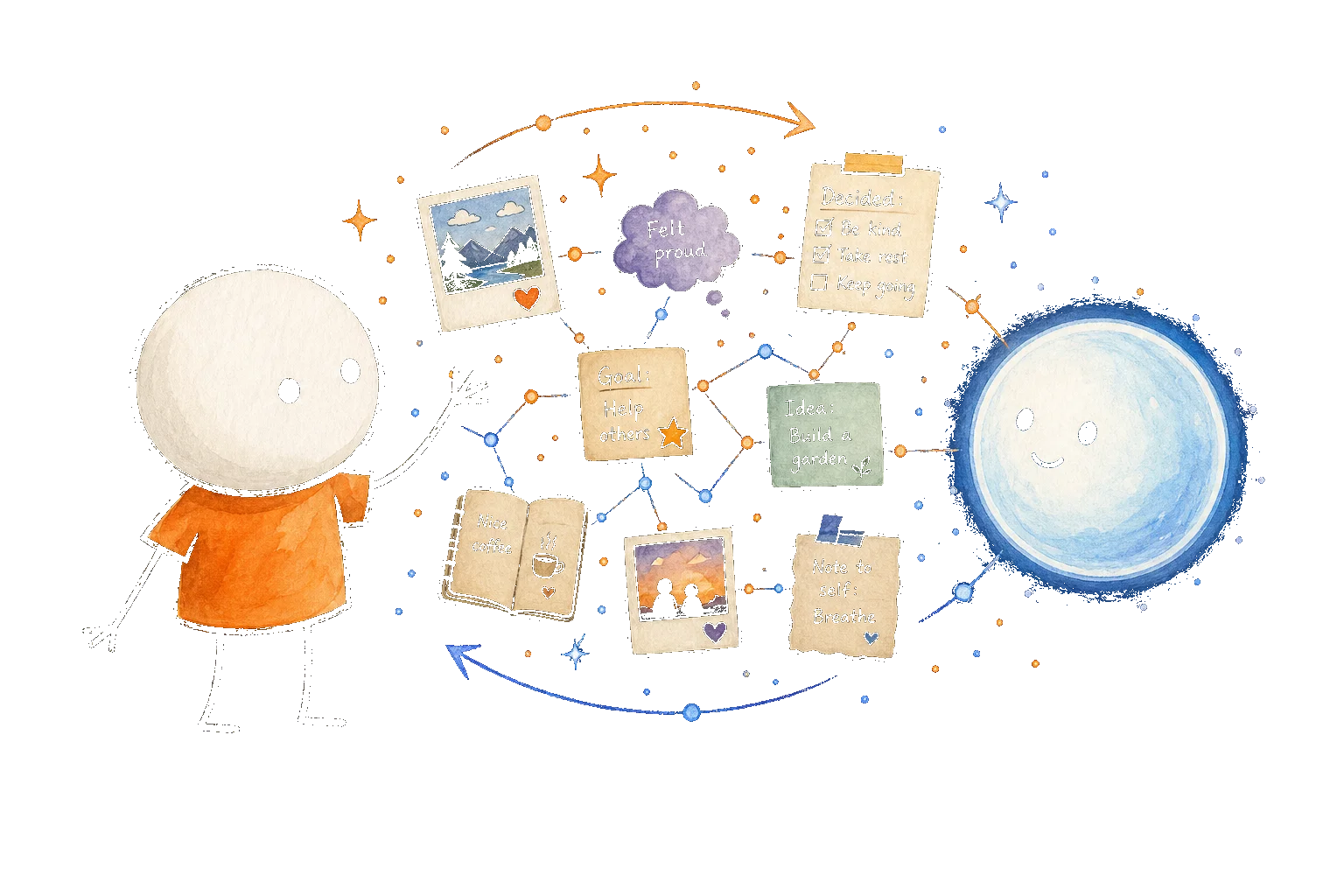
A super-helper that reads your notes every time you sit down, writes things back as you go, and gets smarter over time. By day three or four, it stops feeling like a tool.

Character at a workbench building glowing tools, a dashboard, gears, and envelopes coming to life

Your tools

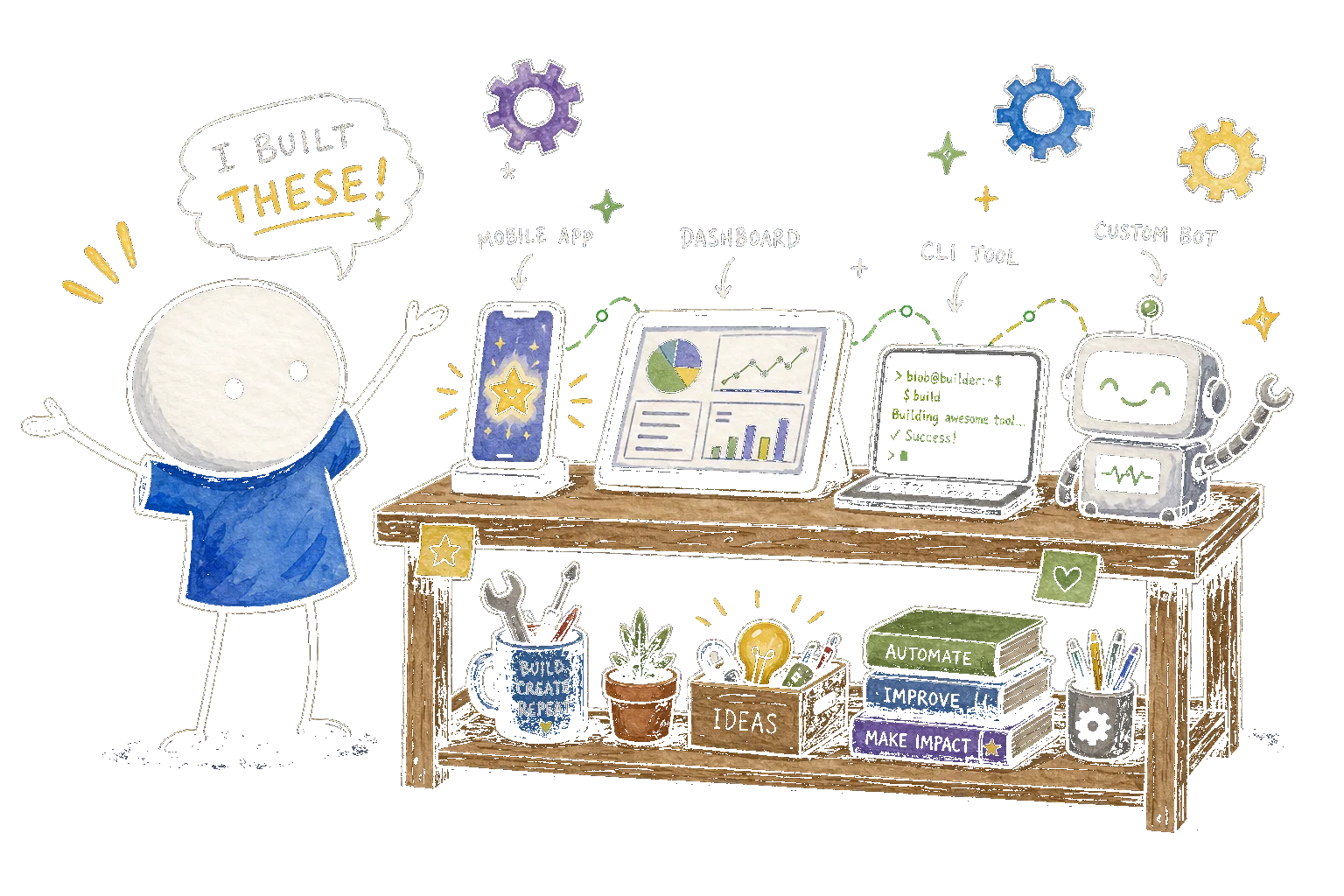
Pick any piece of your map and build something for it, a way to send invoices, welcome new teammates, run a rental business, track your health, or stream your movies. If you can describe it, you can build it here, and you'll have people showing you how to do it well while you do.

Three characters sitting together around a glowing network campfire, sparkles above

The people

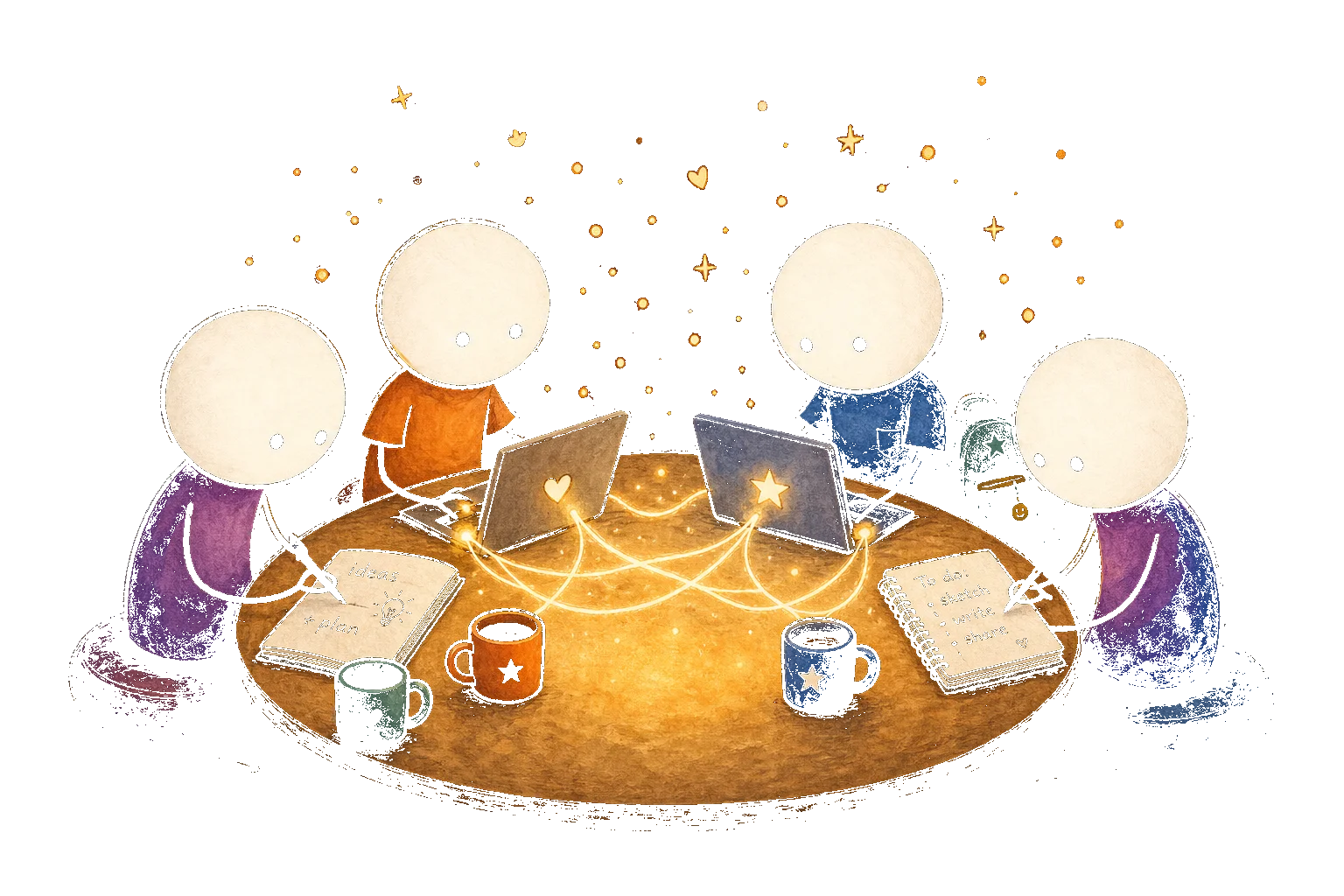
Build Nights once a week, office hours, demo days, and a group that keeps going. Danny and Dan help you make the smart design choices, and everyone is still there the week after, and the year after.

There's one way in, and it starts without any payment or obligation

1

A 15-minute chat Free

Tell us what you're working on and what's been getting in the way. We'll tell you whether this is a fit, and if it isn't we'll say so.

2

We send you the kit Free

Set it up on your computer, then run a special command that gets our first session ready. Your new second brain will ask about your work and what you're trying to build, and we'll show up already knowing how best to start helping you.

3

Your first session, with us Free

An hour together, the first time your second brain is awake. You'll leave with it up and running having built something magical, and there's no obligation attached to any of it. Whatever you make is yours to keep whether you decide to be part of our community or not.

You know your work better than we ever will.

So bring us whatever you need to build, and we'll show you how. That could look like a tool for the business you run, an automation that takes busywork off your team, something a nonprofit you care about needs, or a dream you've been turning over for years.

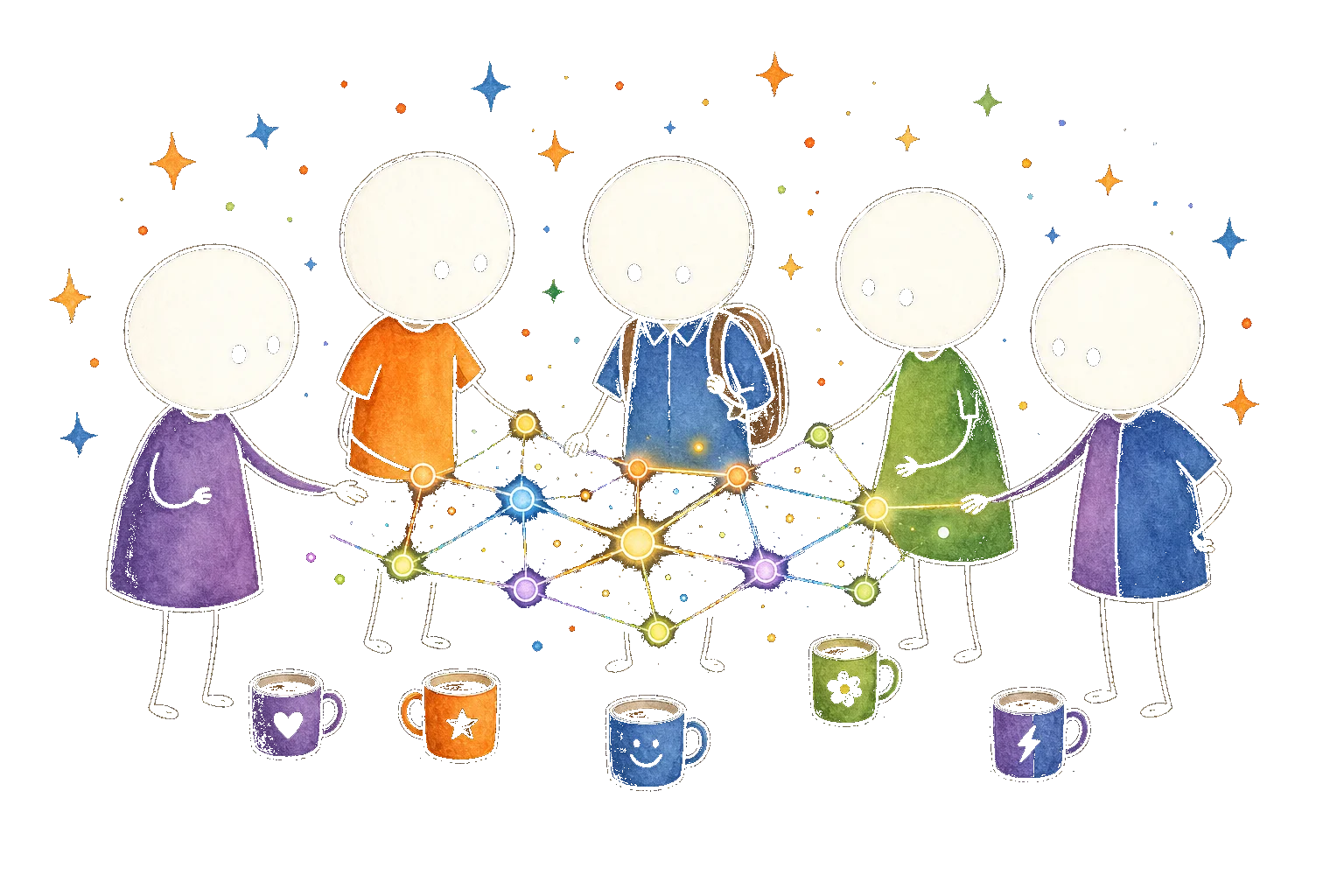
A group of five little characters standing together around a glowing shared network, coffee mugs at their feet, sparkles floating between them

We build together

Everybody here is doing what you're doing, mapping their world, building tools, discovering new ways to work. They'll see what you're working on, share ideas, and celebrate with you when it works.

2
Cohorts completed
~20
Builders and growing
30+
Tools built
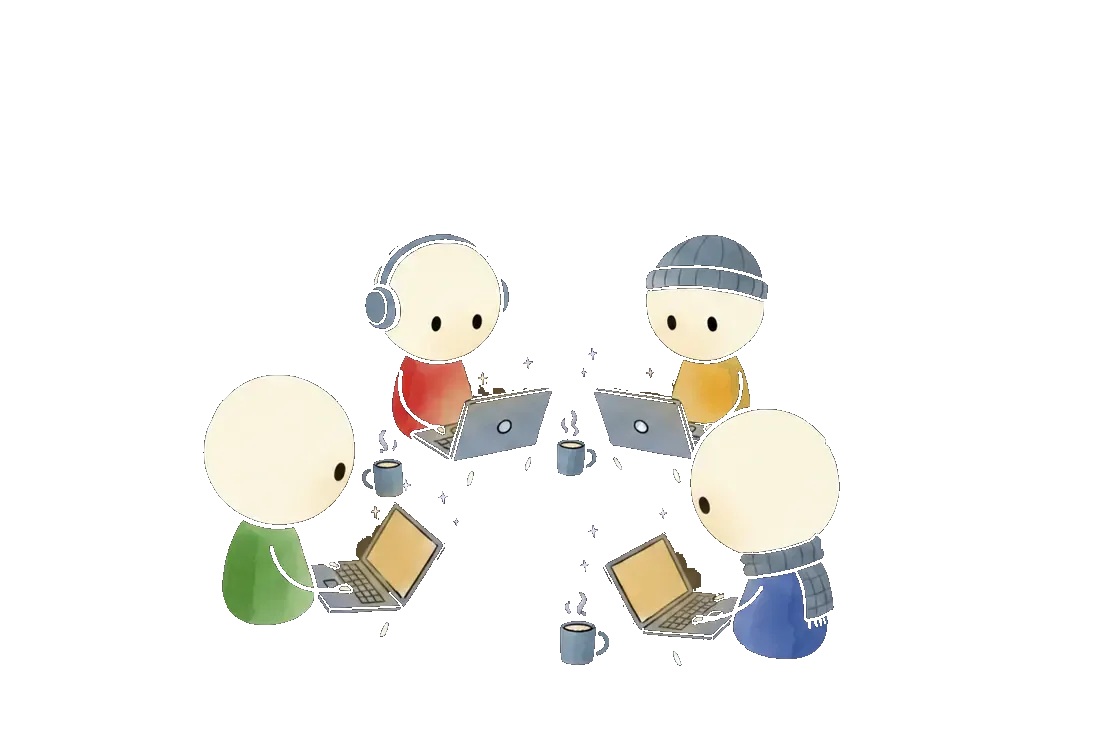
Four characters building together late at night, each at a glowing laptop, mugs between them
Once a week

Build Nights

Sometimes Danny hosts, other times Dan hosts. We hang and chat without agenda or curriculum, everybody just builds their things in good company and you can show off whatever you're making if you feel like it.

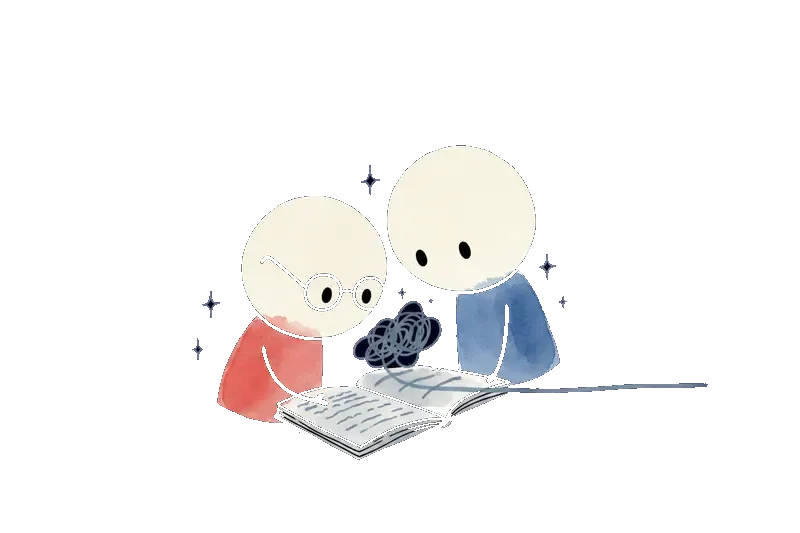
Two characters leaning over a shared notebook, working a knot out together
Regularly

Office hours

A video call for troubleshooting. Drop in, bring whatever you're stuck on, and we'll help get you sorted.

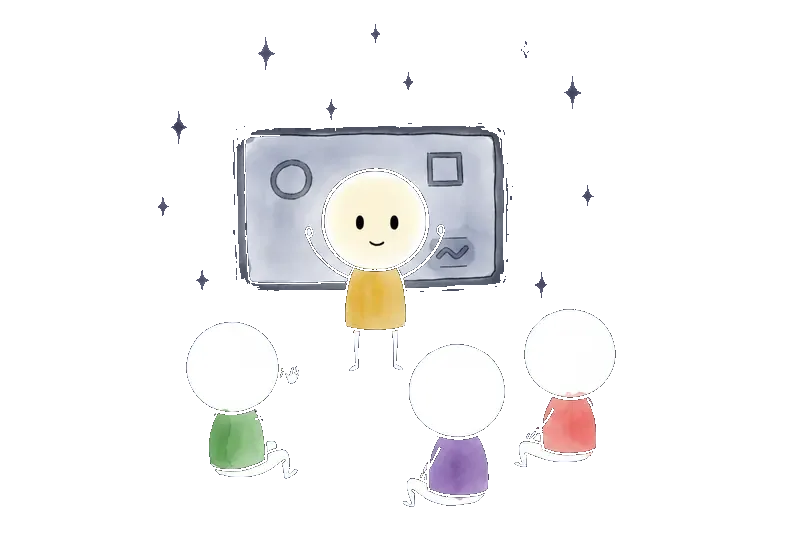
A character presenting beside a glowing screen while others watch and clap
Monthly

Demo days

Find inspiration, show what you've created, and see how far you've come.

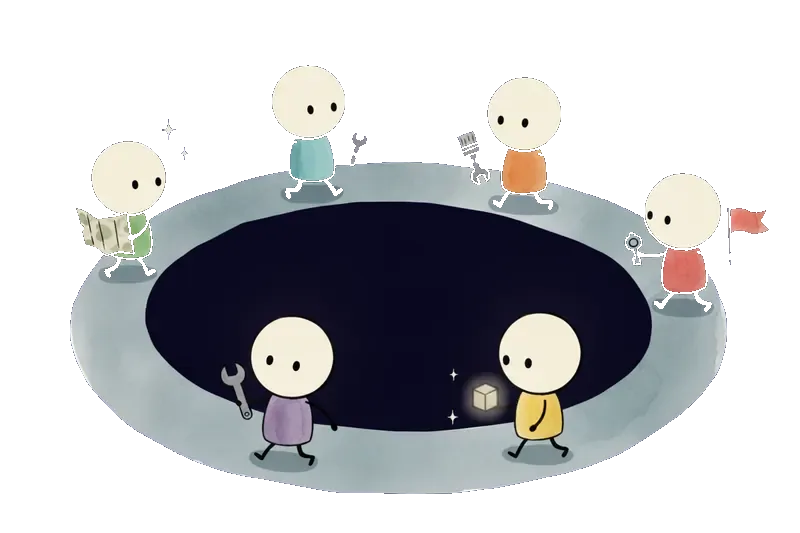
Six characters walking a looping path, each carrying a different tool
On rotation

The build curriculum

Six topics from first setup to completed tools, coming back around so you can join whenever you're ready. See what's in it.

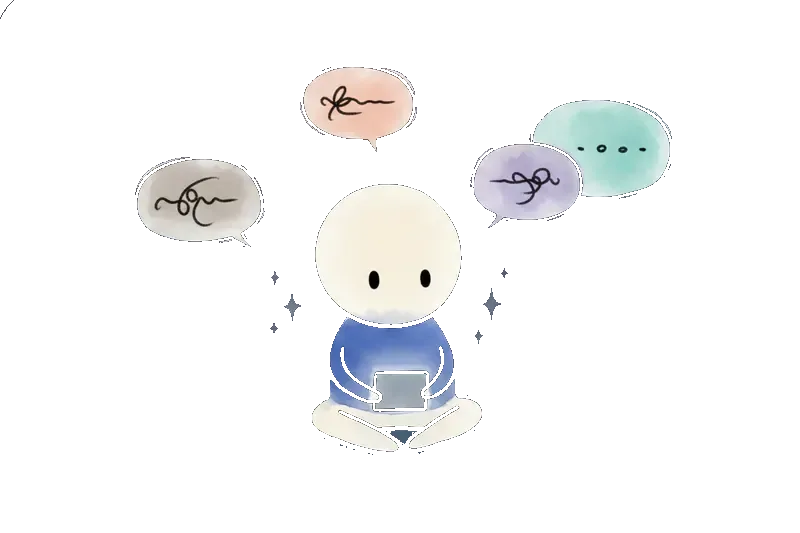
A character alone at night with speech bubbles floating in from off-frame
All week

Member chat

Converse between sessions, post your raves and frustrations and wake up to new ideas.

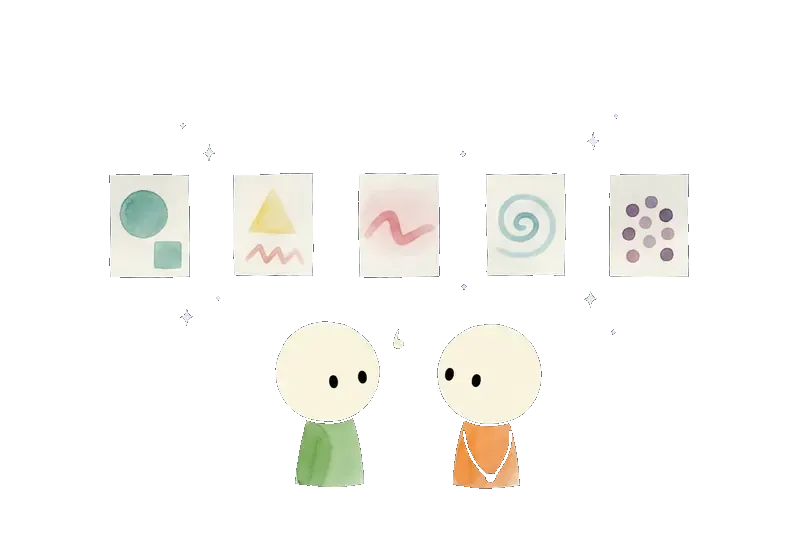
Framed pictures hung in a row with two characters looking at them
Being built now

Your project, out where people can see it

Members get featured in our project area within our second brain operating system. Everyone using our software can see what our community is crafting. It's how you might find others to give you feedback, and how collaborations can start.

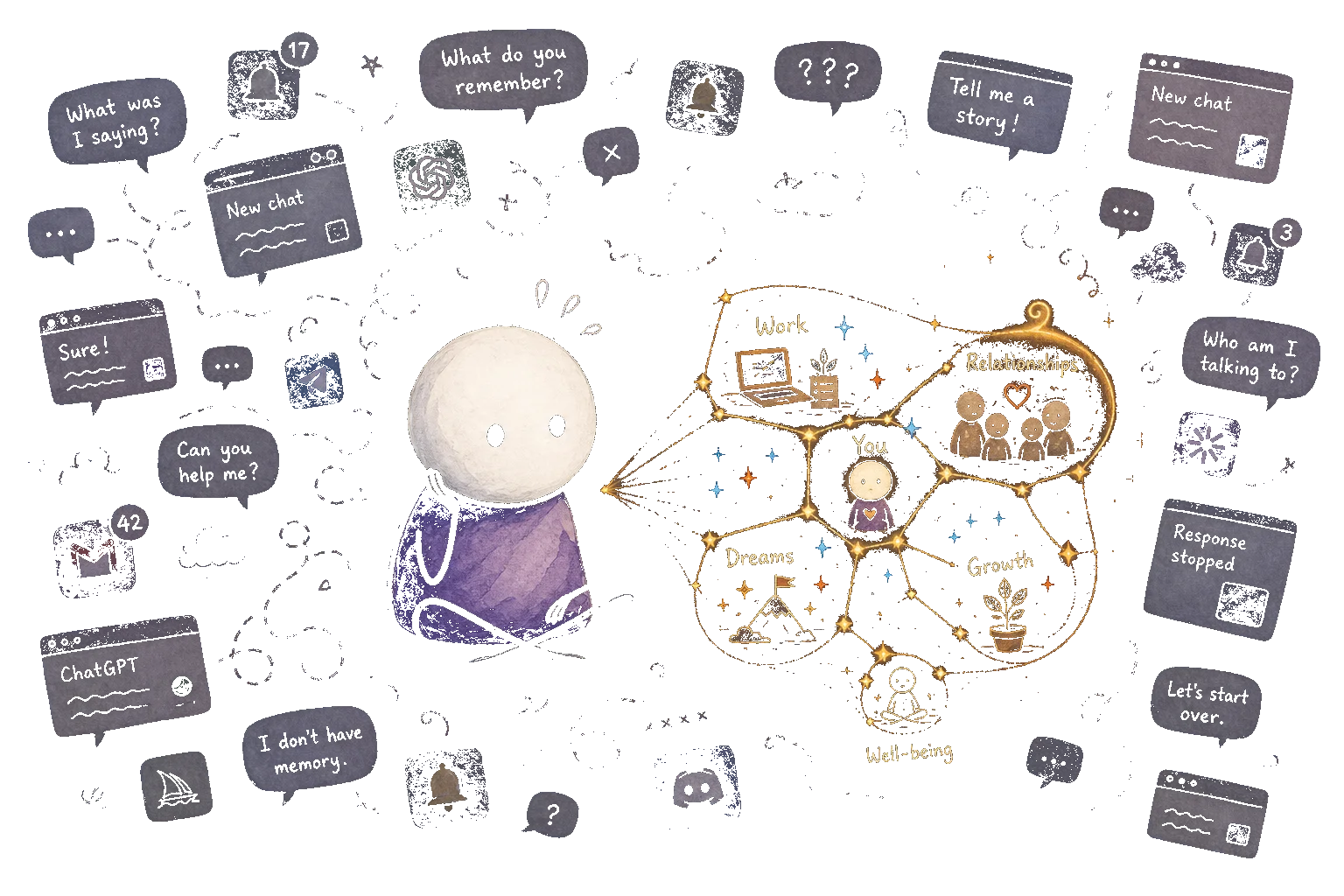
A character sitting amid swirling noisy chat bubbles and notifications, while a calm glowing AI partner projects a connected constellation map of their world, work, relationships, dreams
The software

What you'll be running

Most AI today is part of the noise. It pulls up a thought from three weeks ago when you don't need it, then forgets the decision you made yesterday, so you're still the one holding it all together and re-explaining yourself every time you open a new chat.

"Every conversation you've had with an AI so far has been a goldfish. Smart in the moment, but it forgets the second the tab closes."

What you'll run instead is a workstation and a dreamstation in one. It takes everything the most powerful AI can do and turns it into a joyful and powerful experience. Your projects line up down one side, based on the size of what matters most. Your ideas and interactions with it sit in the middle, a tab each. Several can be open at once related to the same project or others. On the other side you can see your brain fill in with notes lighting up as they're written, each with a line telling you why you'll want it later. Buttons to clean up the clutter, save locally, and push to your cloud vault are within easy reach.

It knows you by the name and personality you give it, catches you up each morning on what still needs to be done, clears the decks for the next day, so coming back after two weeks feels like sitting down with a familiar partner who remembers everything. When you're grinding at repeated tasks, it can point you to special abilities our community already worked out and shared to make things easier. Every decision and every dream is linked, alive and growing as you go.
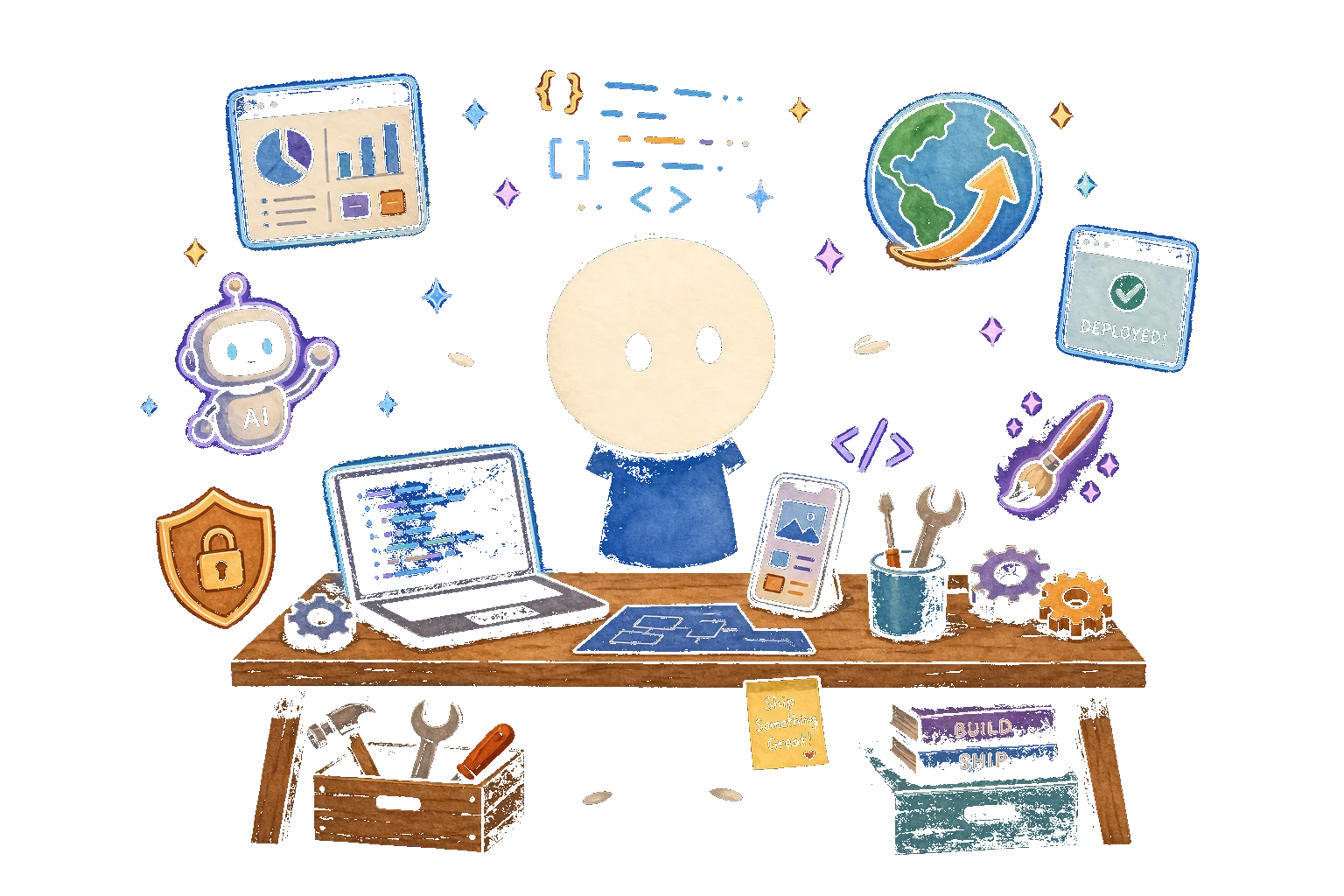
A whimsical blob character at a workshop table surrounded by glowing tools, dashboards, and finished projects

A map you can build in, with people beside you

Your second brain (a place outside your head that remembers everything for you) is where the learning lives. Here's what you'll be able to do with our open-source software, community and two guides in your corner.

Microphone icon

Talk instead of type

Talk to your partner out loud. Capture ideas, priorities, and decisions while you walk.

Clipboard icon

From idea to plan

Turn a rough idea into a clear, step-by-step plan your AI can build from.

Code blocks icon

Build with AI

Make software with your partner. You learn how the pieces fit together and why, rather than memorizing code.

Rocket icon

Share it with the world

Put your tools on the internet so anyone can use them, with your own web address, and update them without breaking what already works.

Shield and lock icon

Keep it safe and private

Store information so it sticks around, add logins that protect it, and let the right people in while keeping the wrong ones out.

Paintbrush and palette icon

Design that feels right

Make it look and feel good, the spacing, the buttons, the little touches that make people want to use it.

Magnifying glass and bug icon

Fix it when it breaks

When something goes wrong, read the error message, find the cause, and fix it together. This is the skill that makes you unstoppable.

Compass icon

Help it remember

Leave notes and reminders so your partner always knows where you left off and never loses the thread.

Lightning and gears icon

Helpers that run on their own

Set up little helpers that work by themselves, on a schedule or when something happens, so things get done while you sleep.

Which one sounds like you?

Three different starting points. One system that ties it all together, and a small group building right alongside you.

A little character juggling three glowing project orbs, each with a chat bubble that's already forgotten the others
Running a dozen things?

A proposal, a website, three follow-ups, a form half-built, and a new AI chat for each one. By the time it catches up, your focus has burned off.

Read your story →
A leader at a desk with thought-threads drifting in every direction, calendar and tasks looming overhead
Leading a team?

The whole picture lives only in your head. By 4pm it's in pieces. Nothing moves forward without you, because you're the one holding it all.

Read your story →
Before: a character overwhelmed in a blizzard of sticky notes on fire. After: the same character calm as a partner organizes the notes into a glowing constellation
Tired of dropping balls?

Three days into any system, you fall off. The to-do app is a graveyard. You wake up not knowing what to work on first.

Read your story →
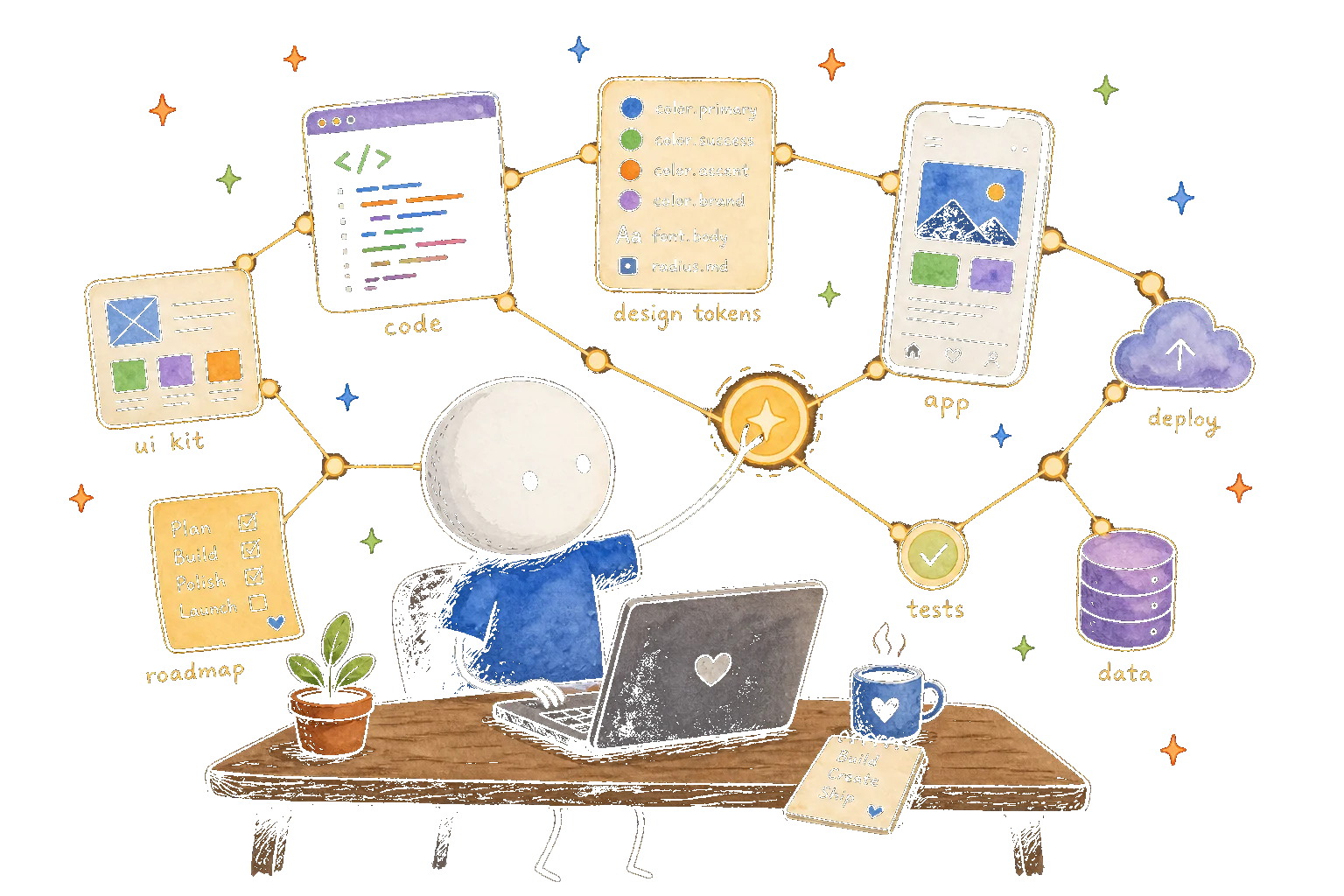
A solo builder character at their workstation, constellation of connected projects glowing around them

You're running a half-dozen things at once: a proposal due Thursday, a website you keep meaning to finish, three contacts you owe a reply, a form that still isn't built, and a strategy that lives in your head and a dozen open tabs. For a couple of them you've started pricing a software subscription, or wondering what a developer would charge to build the thing you need. Every time you open a new AI chat to push one of them forward, you spend the first stretch re-explaining who you are, what you're building, and why last week's decision went the way it did. By the time the AI catches up, the focus you needed has burned off.

Picture instead an AI partner that has been in the room the whole time. It knows your projects, your contacts, your proposals, the strategy behind them, and every "I tried that, here's why it didn't work." Every new chat and every new tool builds on that memory. Your work stays where it already lives, in your own files and folders; what changes is how much your partner understands about it. Your plans stop scattering and start compounding, and anyone you bring in is caught up from the first minute.

And this is where it turns from memory into leverage. The tool you were about to pay for every month, or hire someone to build, you can now make yourself, right inside the same brain, with a community of builders figuring it out alongside you: a dashboard for your pipeline, a form that feeds your contacts, a one-page site for a new offer, a helper that drafts the proposal and another that follows up while you sleep. Shaped to your life, looked after by the same partner that helped you make it.

A partner who already knows what you're building and who it's for, and peers building their own.

What people like you have built

A color tool designers use worldwide Dillon turned a five-year dream into a free tool that designers everywhere now use to build color palettes that work on phones, apps, and websites.
A movie helper on a $100 computer Danny texts a tiny $100 computer, "download Survivor and put it on the TV," and his helper named Sheila handles the rest, something no store-bought app can do.
Second brain in one sitting Erik, who manages sales for a distributor, went from a blank page to a fully organized second brain connected to his sales tools, in a single working session.
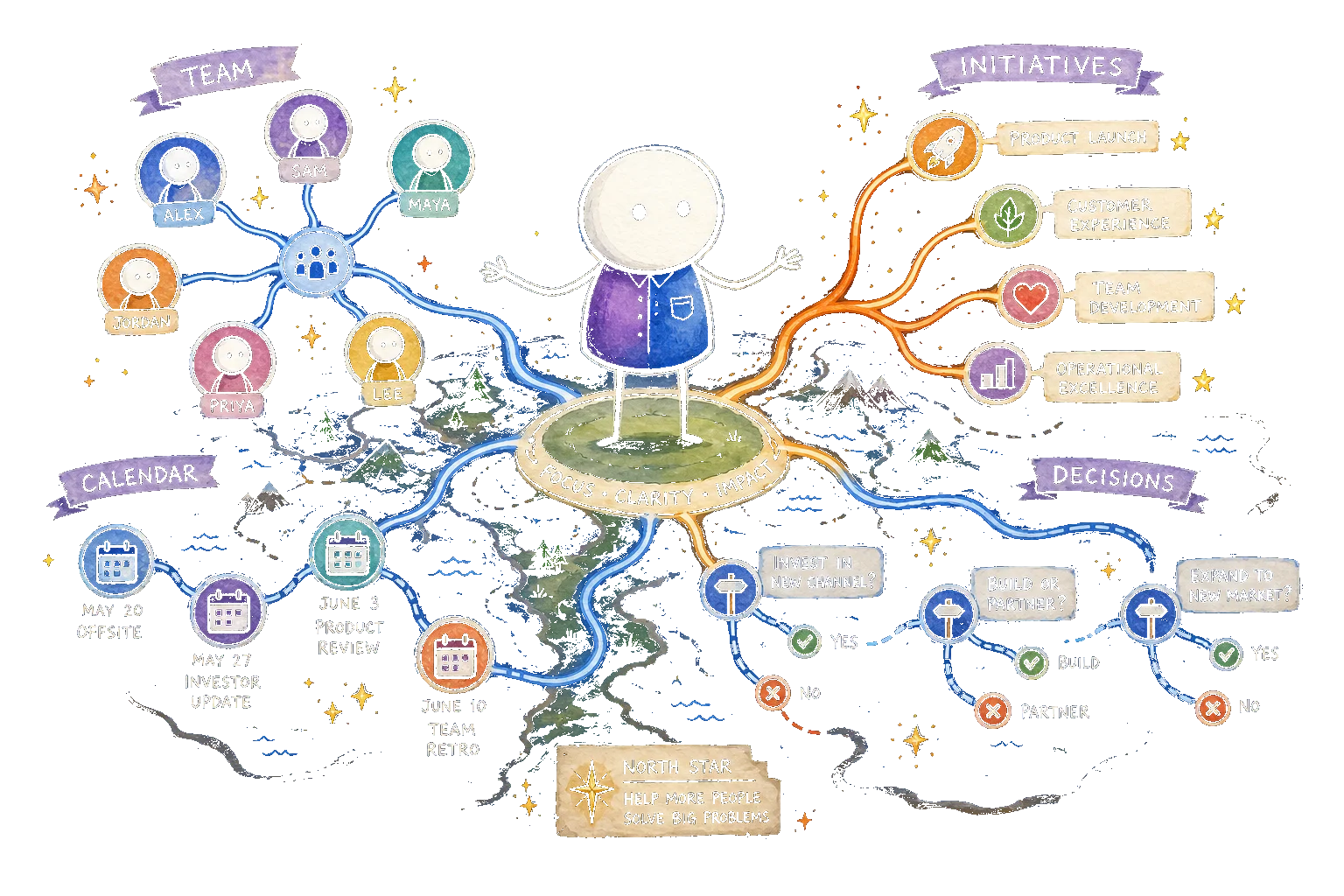
A founder character surrounded by a living map of their team, initiatives, and decisions all glowing and connected

Every meeting is a hard switch: product, then operations, then hiring, then a board update. By 4pm your head is in pieces. The clarity you had this morning is buried under the third message thread, the fourth topic change, and the meeting you walk into wishing you'd had time to prepare for. You're the one holding the whole picture, with a pile of AI tools that never quite hold it with you. That's exactly why nothing can grow beyond what you can personally carry.

Picture instead an AI partner that holds the picture with you and lets you share it with your team in a fraction of the time it takes today. The partner keeps every project, every person, and every promise linked into a living map. It knows what was decided at last Tuesday's meeting, who is stuck waiting on what this week, and which item on today's calendar deserves your sharpest hour. Your team can ask the partner questions instead of asking you. You walk into meetings already caught up and leave with the next steps already written down.

From that map, you start building the systems your team needs: a smooth way to welcome new hires, busywork that handles itself, simple sign-up pages, dashboards that show how things are running. All of it grows from the same partner that runs your day. Nothing is disconnected. Your good judgment becomes your advantage, instead of your memory.

A partner that helps you stop being the bottleneck and run the team you've always wanted to run, and people who lead things too, so you have somewhere to think out loud that isn't your own team.

What people like you have built

Busywork that runs itself at an investment firm Will went from finishing 43 tasks a month (half sent back for fixes) to 183 a month with almost none sent back, using five AI helpers running his firm's busywork for about $200 a month. His control center went live during class.
A booking site for an RV rental business Adam and his dad stopped arguing about features and built a working first version the same afternoon, campsite guides that work great on a phone, even with no signal, for their RV rentals.
A full business system for a coach A complete setup for booking clients, tracking sessions, sending invoices, writing intro emails with AI, and sharing a members-only book reader, all built inside the same second brain that runs the coaching day to day.
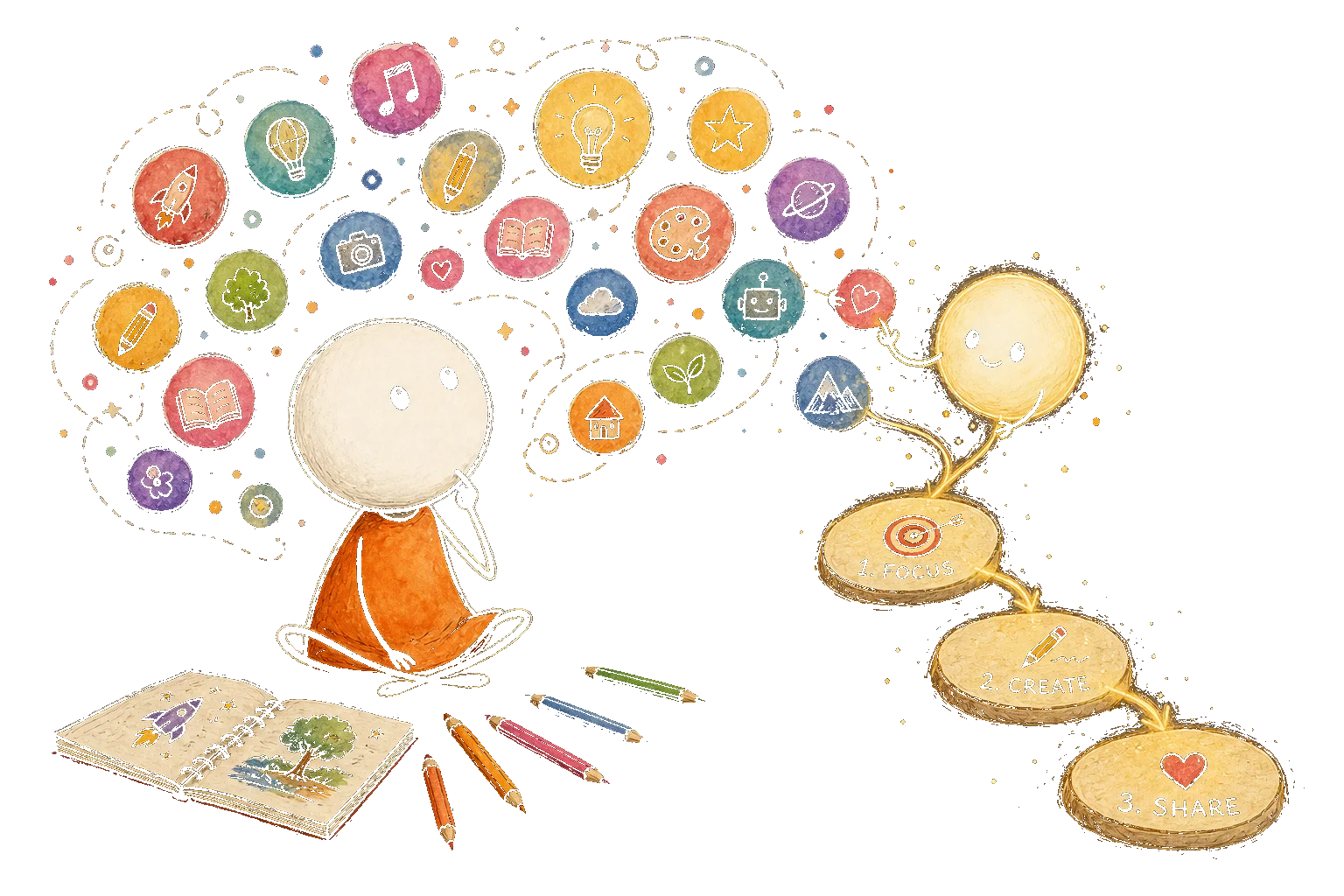
A creative character with ideas swirling around them, an AI partner gently organizing the chaos into a glowing path

Three days into any productivity system, you fall off. The notebook is half-empty. The to-do app is a graveyard of last week's good intentions. You wake up not knowing what to work on first, and even when an idea finally feels urgent, the better one is buried under twelve others that all feel equally on fire.

Picture instead an AI partner that has been with you the whole time, holding every idea, every project, and every half-finished thought as a living map you don't have to organize yourself. When you sit down scattered, the partner names the three things today that would move the work forward, celebrates the wins from yesterday before you forget you had them, and helps you decide whether the shiny new idea is worth jumping on now or worth saving for later. No shame, ever. The partner is on your side, learning your strengths, and working with the way your brain moves.

And the magic is that this partner is a workshop as much as a coach. Once it knows your energy patterns, you start building the tools your brain has always wanted: dashboards, idea catchers, family systems, focus trackers, even full apps, built and shared by people who had never written a line of code. Shaped to your life. Looked after by the same partner that helped you build them.

A partner that holds the chaos with you and keeps your attention on what matters, plus people who know exactly what falling off a system feels like, so when you come back after two weeks away nobody makes it weird.

What people like you have built

A "what matters today" dashboard A live dashboard that pulls in your calendar, health data, and projects, then names the three things to do today that move you toward your year's goals. Updates in under a second.
Caution Tape Generator Melissa, with no AI experience at all, turned a friend-group inside joke into a working app, complete with logins, private and public collections, and AI-made designs.
An iPhone app for caregivers David, who had never written code, built an iPhone app for caregivers and got it ready for the App Store, plus a second app that reads home-inspection PDFs and keeps track of contractors.
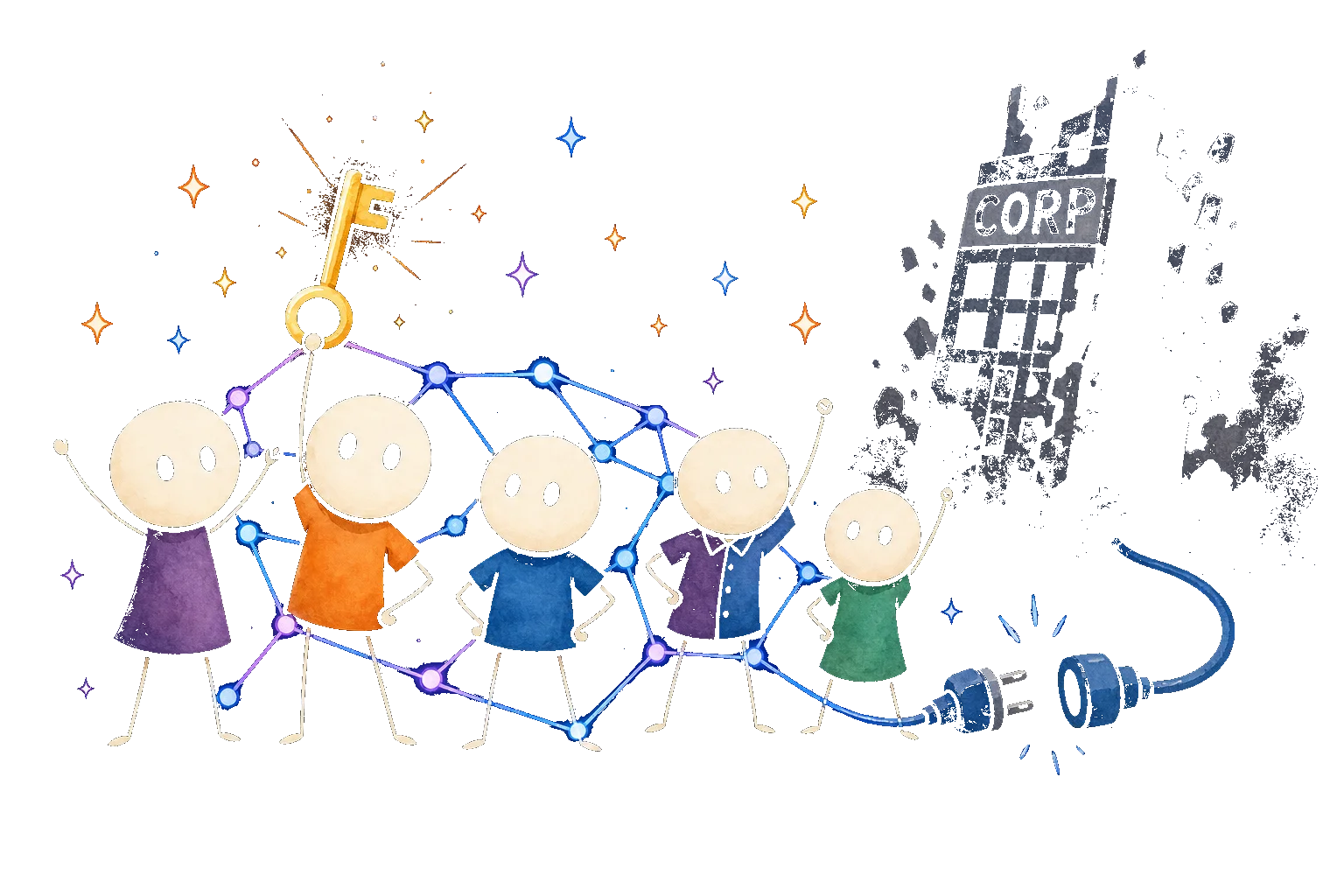
A community of blob characters: one holding up its own glowing network-brain, another raising a key, another unplugging a cord from a Big Tech tower

It's yours, and it stays yours

Open source and free forever. Yours whether you ever pay us a cent, updates included. No trial that expires, no feature held back, no version of this where we take it away.

The files it runs on are yours. They live on your machine, backed up to a private cloud only you can reach. You can easily open and change any of them right there in the workstation, so whenever AI gets something wrong, you can push back and easily make it right.

Use any AI you like. Today's best models, or free ones running on your own machine, off the grid. You'll never pay us to reach your own memory.

A little character holding up its own glowing networked world
Why we give the software away The largest AI companies built trillion-dollar tools on everyone's work, and the rest of us pick up the tab. The people doing the work should hold the leverage. So we hand you the tools for free, and what you pay for is our community.

Knowing how to use AI should be a right rather than a luxury. We're starting a nonprofit to put these tools in the hands of the people who need them most.

The build curriculum, on rotation

Six topics covering the whole path, from first setup to a finished tool and beyond. They run on rotation for every member, so you join whenever you're ready and the topics come back around.

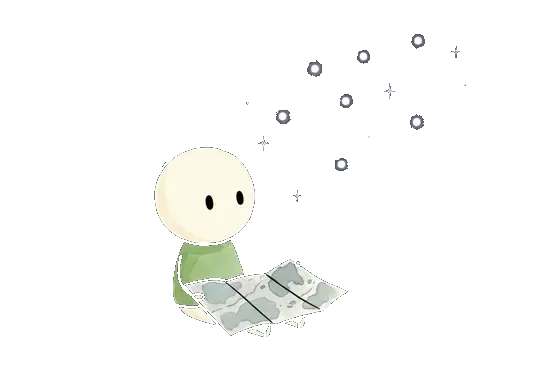
A character with an unfolded map, a constellation rising out of it
Session 1

Your map takes shape

Set up your second brain and meet your partner. You map the areas of your work and life and watch it start connecting them. You'll see the magic quickly, building useful things based on what your second brain learns about you.

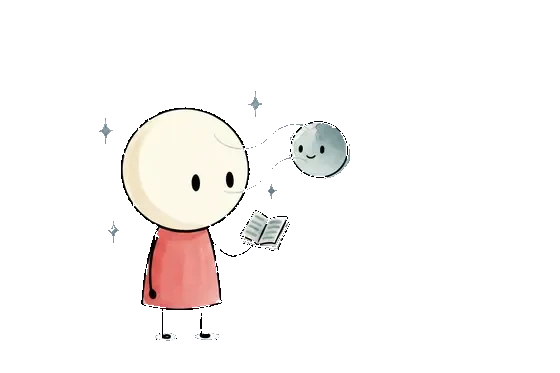
A character face to face with a floating orb companion, threads passing between them
Session 2

The partner learns you

Write the instructions that shape how your partner works with you, what it remembers, and when to speak up. Then take a rough idea from one sentence to a plan you can build from, and put your first small project online.

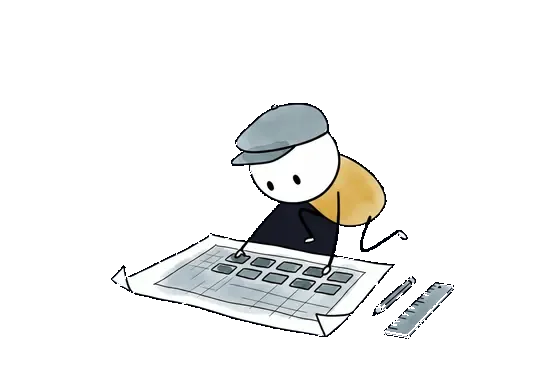
A character in a flat cap laying out paper cards on a blueprint
Session 3

Plan and design it

Pick your Quick Win, the one tool that solves a problem you have. We break it into steps small enough that nothing stalls, and make the design calls that bite later if you skip them.

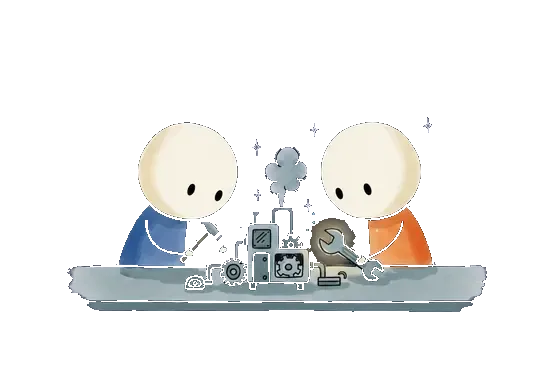
Two characters at a workbench with a half-finished contraption between them
Session 4

Build and fix

Heads-down building, with Danny and Dan in the room and others building beside you. Write it, run it, watch it break, read the error, fix it together. That last part is what separates finishing from stalling.

A character releasing a glowing craft skyward while another holds a shield
Session 5

Launch and protect

Put it out where people can use it. Your own web address, logins that work, the security basics, and how to keep it cheap to run.

A character presenting on a box while others celebrate, a path continuing behind
Session 6

Advanced concepts

This slot rotates. One time it's helpers that do the work while you sleep, another it's a deeper session on Claude Code, rituals, skills, or whatever the group is hungry for. It keeps coming back around, so the topics grow as you do.

A working draft, part of what we're figuring out together. The topics hold; the shape may flex as we build this with the community.

From people who've built this

"I went from 43 tasks a month to 183, with five AI helpers running our busywork. My control center went live during class. This changed how I run my firm."
Will S. / VC Partner, Cohort 2
"I had zero AI experience when I started. I shipped an app with authentication and everything. I rediscovered patience with myself and what I can build."
Melissa C. / Cohort 2
"We spent weeks debating features. Then we sat down and built a working first version the same afternoon. My dad said, 'Whoa, holy... it worked.'"
Adam R. / RV Fleet Operator, Cohort 2

Your guides

Dan Hahn

Dan Hahn, M.S.

Program Architect

Dan runs A Portland Career and works every day with people navigating big shifts in their industries. He co-built the teaching model behind the first groups, where every participant finished what they set out to build. He's a builder himself: career assessment tools, operations automation, and AI-powered workflows. Dan brings the people and organization lens to the room, how AI is reshaping roles, teams, and the way decisions get made.

Danny Bauman

Danny Bauman

Technical Lead

Danny believes the future of software belongs to everyone. After Stanford CS and engineer/PM roles at Microsoft and Google, he chose a different path built around environmental impact and mentorship. He's launched hundreds of apps, co-founded startups, and now leads People Operations and bottom-up AI adoption at Development Seed, building open-source tech for NASA and The Nature Conservancy. He's here to help you use AI to improve your life and work, and to build alongside you.

What it costs

The software is free, here's what everything else costs.

Free, and yours whether you join or not

  • The software and every update. Open source, yours to keep.
  • The kit, and the skills library that comes with it.
  • A look at the project area once it's up.
  • A 15-minute chat and your first 1-hour session. No fee, no obligation.
$50 a month
Founding rate for the first 25 members, and if you're one of them you stay at $50 for as long as you're with us. Once 25 people have joined, membership is $100 a month. You get everything above, plus regular office hours with us on video to work through whatever you're stuck on.

When you want dedicated time

  • A one-on-one build session, $100. Dedicated time with Danny or Dan, building your thing while you drive. No membership needed.
  • Want us to take it on? $150 an hour in 1-hour blocks, for members. We go into your project and do the work. Anything bigger than an afternoon we scope and quote first.
  • If cost is tight, tell us. We'll work something out.
  • Bringing your team or company? There's a straightforward rate when an employer is covering it. Ask us.
  • Already paying for AI? Start with the subscription you have. If you don't have one yet we'll help you pick, and whatever you spend there goes to the provider rather than to us.

Month to month, no contract. Cancel and you keep the software, your second brain, and everything you built. What you'd be leaving is our community, come back anytime.

Questions people ask

What does membership cost?
The software is free and always will be. Membership is $50 a month for the first 25 members, and that stays your rate for as long as you're with us. After 25 people have joined it's $100 a month. You can start with whatever AI subscription you already have, and anything you spend there goes to the provider rather than to us. Everything you build is yours either way.
Do I need to know how to code?
No. Your AI partner does the coding while you make the decisions. The skill you learn is how to guide it. People have finished working apps here having never written a line of code.
How much time does it take?
There's no fixed schedule to keep. Office hours run regularly, Build Nights run once a week whenever you want the company, and the six-session curriculum runs on rotation for every member. Show up for as much or as little as fits your week.
Can't I just use Claude, ChatGPT, or Gemini myself?
You can, and on your own you'll hit walls, lose your place every new chat, and often stall before you finish. This gives you a partner that remembers, a rhythm from Build Nights and office hours, and people building beside you. That's what gets things across the finish line.
What if I get stuck?
You bring it to the group and to office hours with Danny and Dan. Getting you unstuck is the whole job, and solving problems together is the heart of how this works.
What do I get with my membership?
A second brain that runs your work, an AI partner that knows you, at least one tool you built for yourself, the skills to build more, and a community that keeps going, Build Nights, office hours, and people who get it.
What happens after I book?
You pick a time and get a Google Meet link. Fifteen minutes with both of us, where we find out what you're working on and you find out whether we're the right people to build it with. If it's a fit we send you the kit and set up your first session, which is also free.
The software is really free? What am I paying for?
Really free, open source, and yours whether you ever pay us anything. Updates included, nothing held back, no trial that runs out. What membership buys is the people. Build Nights once a week, office hours, demo days, member chat, and your project up where others can find it and help. We give away the tools, and what you pay for is our community, because that's the part you can't download.
What happens if I cancel?
You keep everything you built, your second brain, and the software, and it carries on updating. Membership is month to month with no contract, so there's nothing to unwind. What you'd be giving up is the people, the calendar invites, and your spot in the project area. Come back whenever you like.
Do I have to be a member to get help?
Your first 15-minute chat and your first session are free, with no membership. Ongoing help is what membership is for, and that's regular office hours with Danny and Dan, Build Nights once a week, and a group that's solved most of it already. And when you'd rather hand something off, we can work on your project with you at $150 an hour.
What if the cost is out of reach right now?
Say so when we talk and we'll work out something fair together. The software stays free either way, so nothing about your setup depends on what you can pay. There's also a one-on-one option at $100 a session if working solo with Danny or Dan fits you better than the group rhythm.

Book your 15 minutes

Start with a 15-minute chat. If it feels like a fit we'll send you the kit, you'll set it up and run one skill that gets our first session ready, and then we sit down together and build. No fee, no obligation, and you decide afterward whether this is for you. Tell us a little about yourself.

You'll pick a time on the next screen and get a Google Meet link. Fifteen minutes with Danny and Dan, both of us, where we find out what you're working on and you find out whether we're the right people to build it with. Nothing to commit to.